
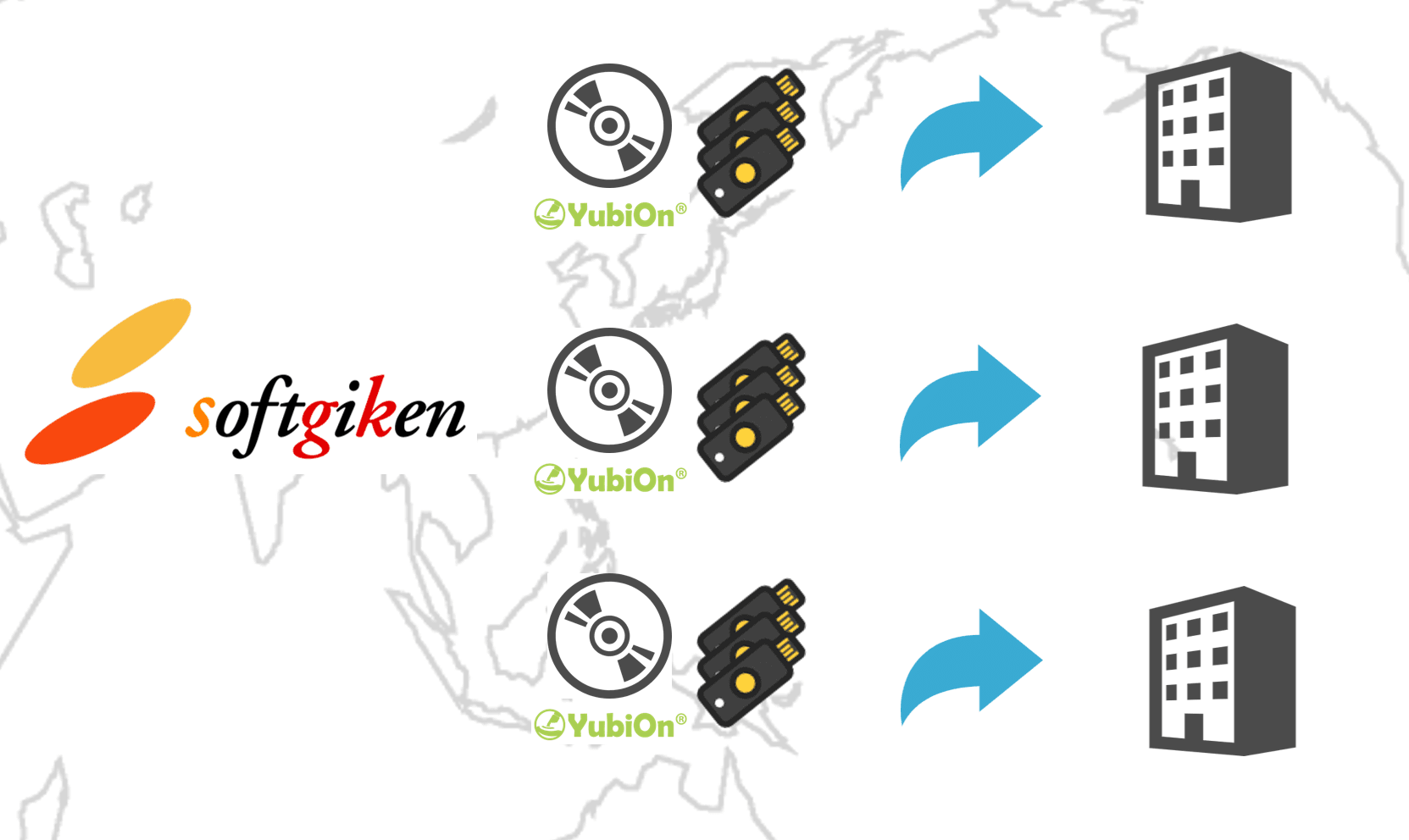
On-premise / Air-gapped
YubiOn WindowsLogon
Standalone
Two-factor authentication for PCs — no internet required.Windows FIPS mode support for air-gapped networks and factories.
Fully offline operationWindows FIPS mode supportOne-time purchaseNo auth server required
New Version Available
YubiOn FIDO Logon Standalone, our new FIDO2-compliant edition, is also available.
Offline Authentication
No internet connection needed.Fully operational in air-gapped environments.
Fully offline supportWho is this for
Challenges This Product Solves
Does this sound familiar?
PCs on manufacturing lines and in factories cannot connect to the internet
Strict security policies at hospitals or government offices must be met
Windows FIPS mode compliance is a mandatory requirement
We want to avoid ongoing subscription costs and prefer a one-time purchase
We want to apply consistent security in mixed cloud and on-premise environments
Supported Environments
Manufacturing / FactoryHealthcareGovernment / Local authoritiesFinancial institutionsUtilities / InfrastructureDefense / SecurityAir-gapped / Intranet
Key Features
Key Features
Device Two-Factor Authentication
Strengthens endpoint security with two-factor authentication combining a Windows account password (knowledge) and an authenticator (possession).
Authenticator Enforcement
Mandates authenticator-based authentication at Windows logon, prohibiting password-only logon.
Windows FIPS Mode Support
Supports Windows FIPS (140) mode for enhanced cryptographic security.
Auto-Lock on Removal
Automatically locks the screen when the authenticator is unplugged from the USB port, reducing security risks when users step away.
Settings Tool Access Control
Restricts settings tool launch to only when a designated authenticator is connected, preventing unauthorized configuration changes.
Master Key Configuration
Designate a master authenticator capable of logging on to any account. Useful for administrative purposes or emergency access.
Uninstall Prevention
Hides this software from the installed applications list and prevents uninstallation by unauthorized users.
Settings Import / Export
Export settings configured on one device and import them to another. Ideal for applying the same configuration to multiple devices at once.
Audit Logging
Outputs authentication logs to 'Event Viewer > Windows Logs > Application'. Records when, who, and with which authenticator each logon occurred.
Supported Devices
Supported Authentication Devices
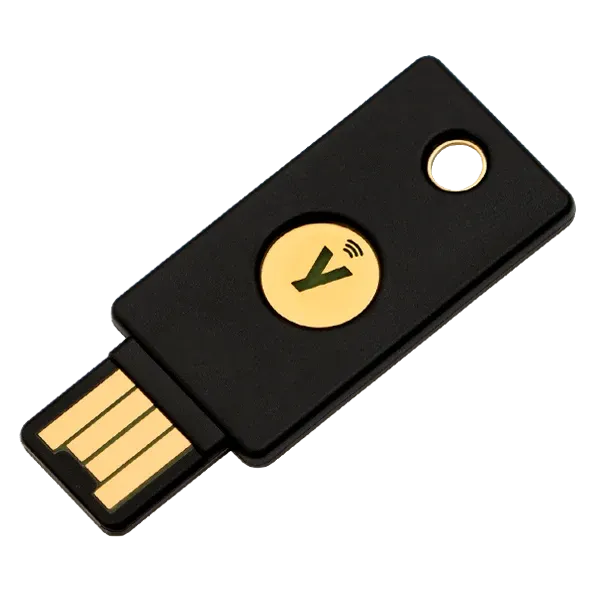
YubiKey 5 Series
- Yubico OTP support
- USB-A / USB-C / NFC support
Ideal for environments with frequent user turnover. Well-suited for scenarios involving temporary staff, contractors, or shared device use where flexibility is needed.
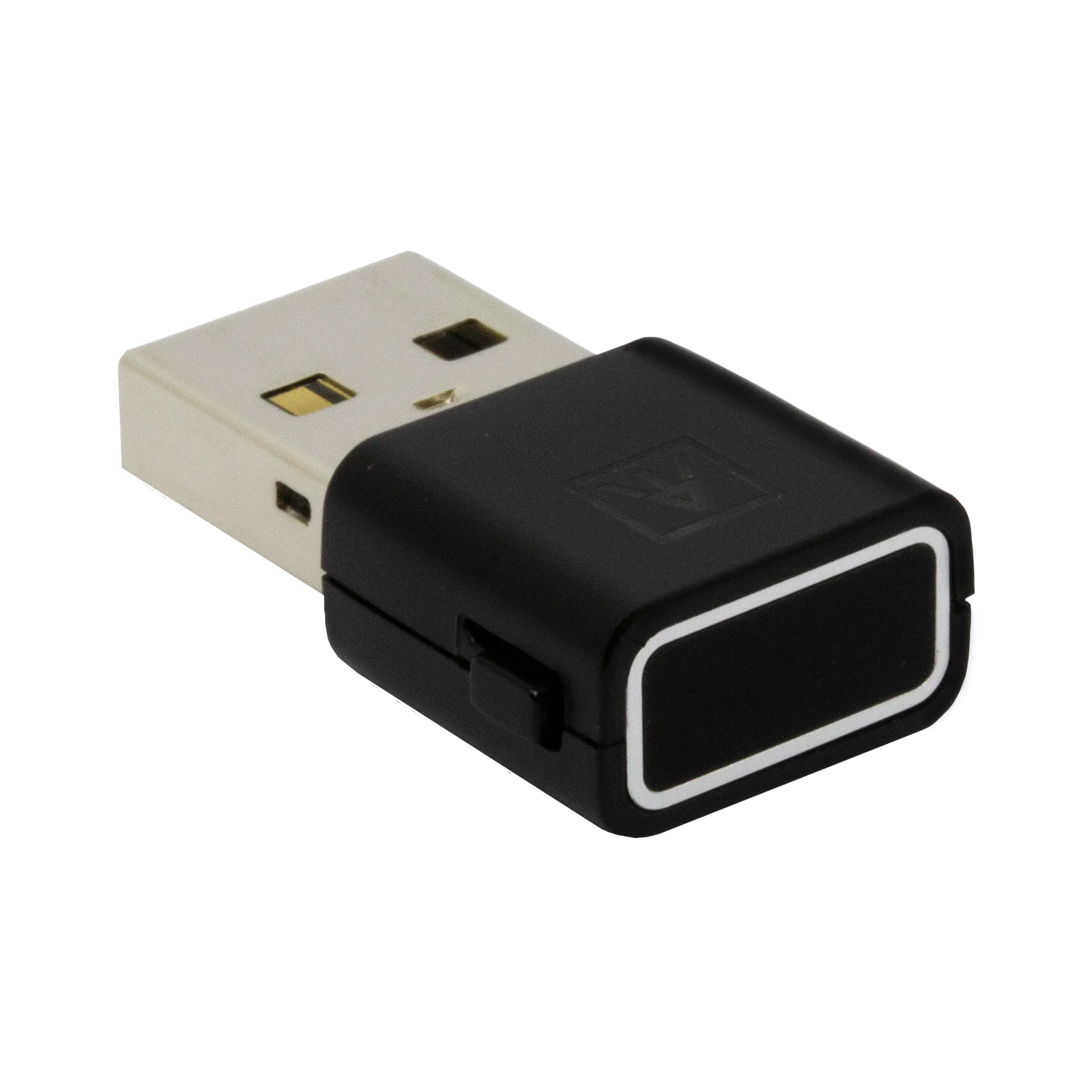
ATKey.Pro YubiOn Model
- Fast and accurate fingerprint recognition
- Type-A and Type-C compatible
Ideal for environments requiring complete individual identification by fingerprint. Recommended for stricter access control or where impersonation prevention is a priority.
※ Special configuration is required to use these authenticators with this software. Off-the-shelf authenticators cannot be used. Please contact us when making a purchase.
Pricing
Pricing & Licensing
YubiOn WindowsLogon Standalone is a one-time purchase product. Simply install the software we provide and load the product license you purchased to get started immediately. The total price is the sum of the initial setup cost and optional annual support fee.
※ No separate authentication server setup is required. Contact us for pricing details.
Initial Setup Cost
Product License Fee
A product license fee is charged for each authenticator used with this product.
※ Loading the product license activates the software.
Authenticator Fee
YubiKey (5 Series and later, non-biometric) or ATKey.Pro YubiOn Model (biometric) are supported.
Configuration is required before use. Please purchase the product license and authenticator together from us.
※ Mixed use of YubiKey and ATKey.Pro YubiOn Model is also supported.
Additional Purchase Costs
The following costs apply for additional purchases.
- Additional product license fee
- Additional authenticator fee
- Additional support fee
Support Fee (Optional)
Annual Support
By paying an annual support fee per product license, you receive the following support.
※ Contact us for pricing details.
- Free version upgrades for YubiOn WindowsLogon Standalone
- Windows Update support (major specification changes are excluded)
- Email-based Q&A support during business hours (10:00–17:00, excluding weekends, holidays, year-end/new-year, and summer holidays).
※ We may also contact you by phone.
Specifications
System Requirements
| Item | Details |
|---|---|
| Supported OS | Windows 10, 11 / Windows Server 2016+※ Support for specific versions of Windows 10 and 11 follows Microsoft's Support Lifecycle. All editions including Home are supported. |
| CPU | 800 MHz or faster, 32-bit or 64-bit processor (1 GHz or faster recommended) |
| Memory | 512 MB or more (1 GB or more recommended) |
| Hard Disk | 100 MB or more of available hard disk space |
| Authentication methods | YubiKey OTP / FIDO2 (offline mode) |
| Network | No internet connection required (fully offline operation) |
| Management | Local management tool (no additional auth server required) |
| Active Directory | Supported (on-premise AD) |
| Windows FIPS mode | Supported |
| Supported Authenticators | YubiKey 5 Series (NFC/USB-A/USB-C variants) / ATKey.Pro YubiOn Model (biometric) |
| Pricing | One-time purchase (quote required based on license count and support level) |
| Support | Deployment support and maintenance support options available |
Release Notes
Update History
FAQ
FAQ
Case Studies
YubiOn WindowsLogon Standalone Case Studies
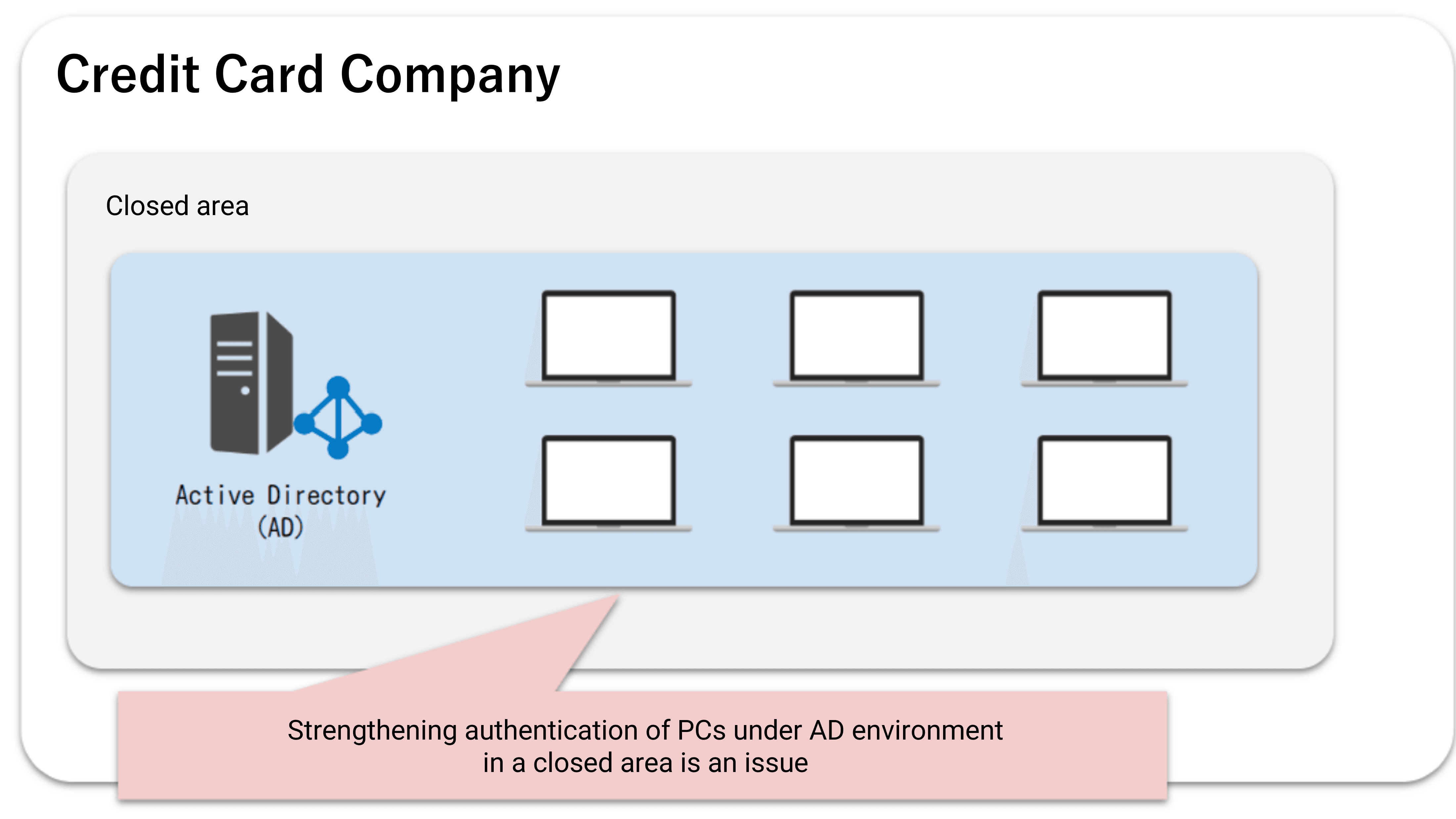
Air-gapped authentication — let's start with a consultation
We'll assess your environment and requirements and propose the optimal configuration. Rough estimates within 1 business day.