
FIDO2 / Passkey
YubiOn FIDO Logon
Security and convenience for Windows logon, unified with passkeys.
Your smartphone or security key becomes the key to your PC.
From ¥500/account/monthQuick deploymentNo auth server setupFIDO2/Passkey supportEntra ID support
Air-gapped / Fully Offline Edition
Looking for an authentication solution without internet access?
Who is this for
Challenges FIDO Logon solves
Does this sound familiar?
We want to restrict logon to company-approved authenticators only
Password reset requests are overwhelming the IT department
Windows logon security after the shift to remote work is a concern
We want to adopt the latest authentication standards like passkeys and FIDO2
Multi-factor authentication is required as compliance evidence for PCI DSS, ISMS, etc.
We want to eliminate account misuse risks from ex-employees and insider threats
Supported Environments
Windows 10/11Active DirectoryMicrosoft Entra IDRemote DesktopYubiKey 5 SeriesSmartphone authenticationCloud managementSMB to Enterprise
Key Features
Why organizations choose YubiOn FIDO Logon
Strong authentication with passkeys
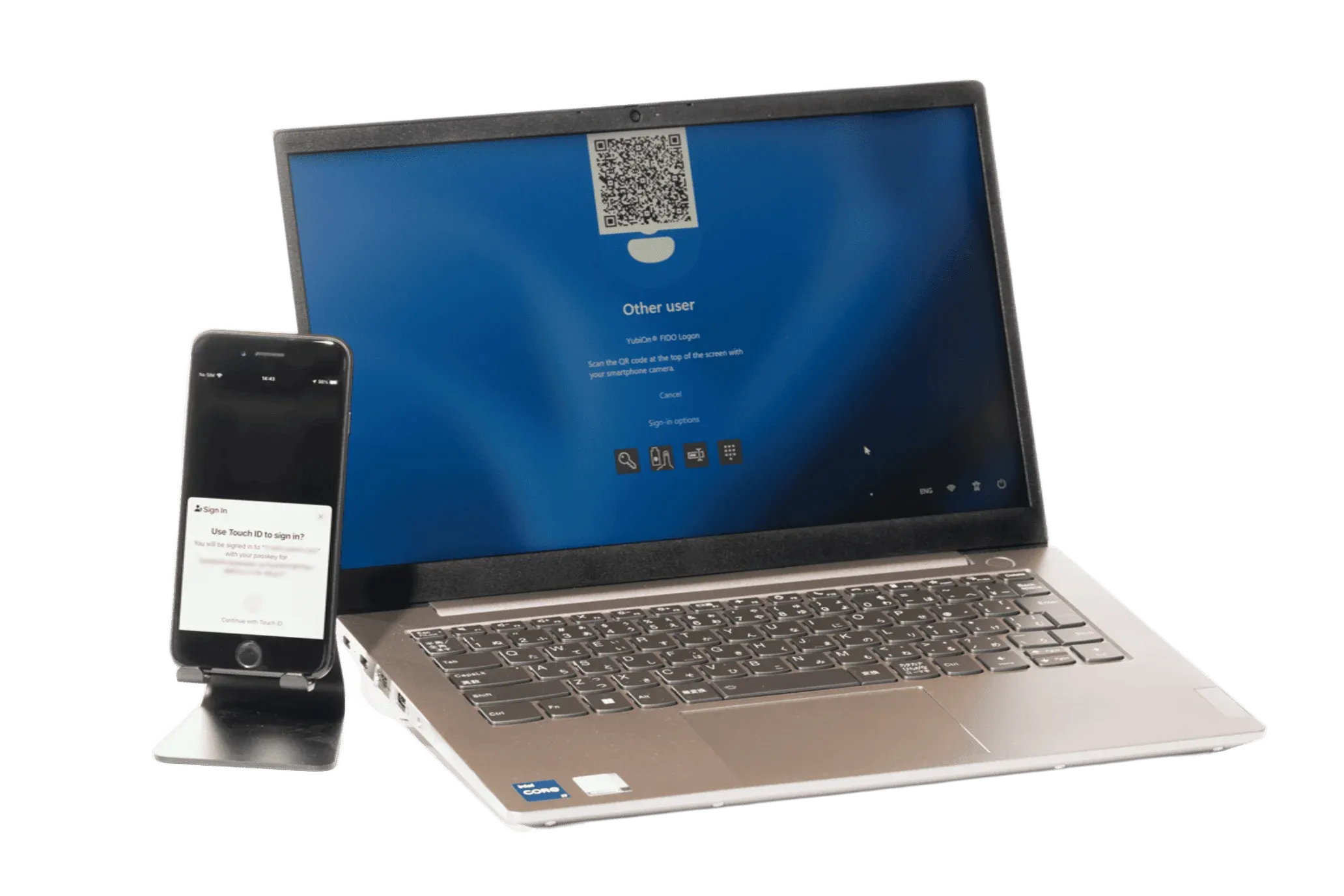
Passkeys are the latest authentication technology with strong resistance to phishing attacks. Just use your smartphone's biometrics or a security key to log on — quickly and securely.
No auth server needed. Quick and easy to deploy
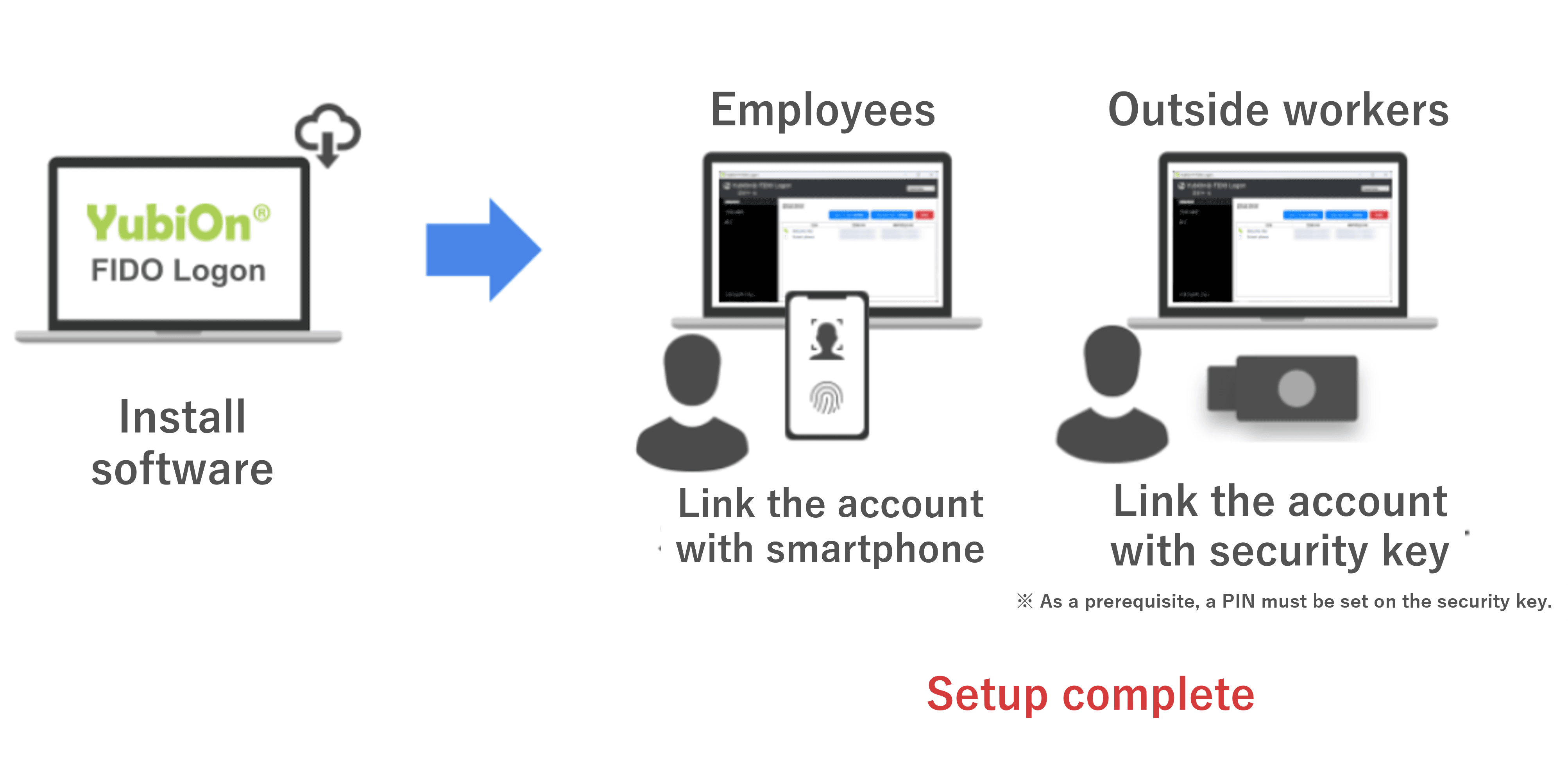
Three steps: register via browser → install client software → set up passkey. No dedicated engineers or server infrastructure required.
Eliminate password reset requests entirely
Going passwordless dramatically cuts helpdesk calls. Manage accounts, devices, and authenticators from a single web console — and respond to incidents instantly.
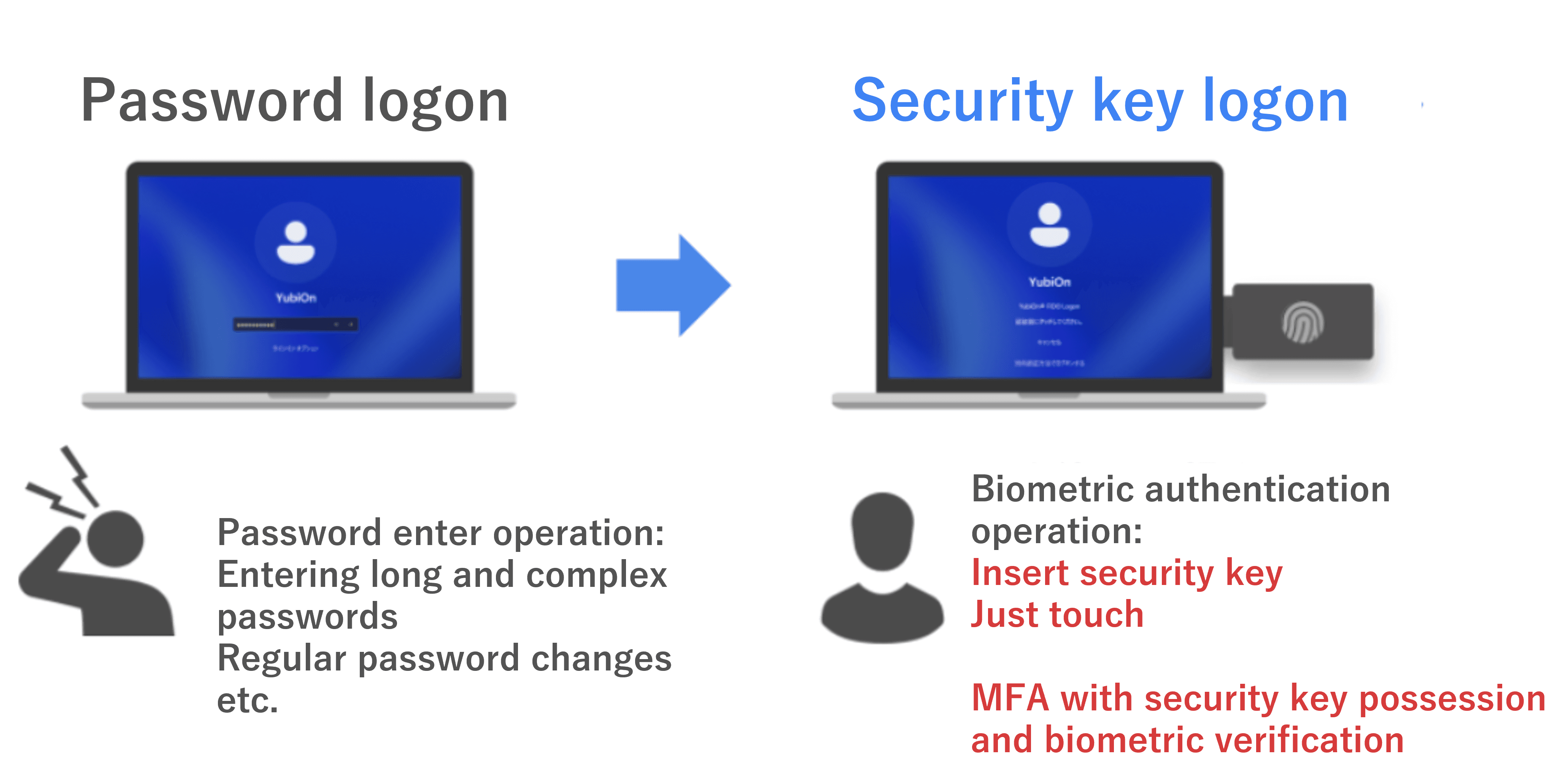
One touch to log on. No usability trade-offs
Free users from complex password entry. A YubiKey tap or smartphone biometric is all it takes to log on — raising security without adding friction to daily work.
Use a smartphone or FIDO key — whatever fits the moment
In environments where phones aren't allowed, switch to a FIDO security key. Per-device policy settings give you the flexibility to match your organization's rules.
Upgrade your phone? Your passkeys come with you
Passkeys registered on a smartphone sync automatically via Google or Apple account. No re-enrollment needed when switching devices.
Restrict logon to company-approved authenticators only
Authenticator identification lets admins whitelist specific devices. Prevent employees from logging on with personal smartphones or unauthorized authenticators.
Remote Desktop sessions secured with passkeys
Passkey authentication extends to RDP remote access — eliminating impersonation risks in remote work environments and delivering office-grade security everywhere.
Supported Devices
Supported Security Devices
Any security key compliant with FIDO2 standards can be used regardless of brand. Below are major authentication devices supplied and verified by YubiOn.

YubiKey 5 Series
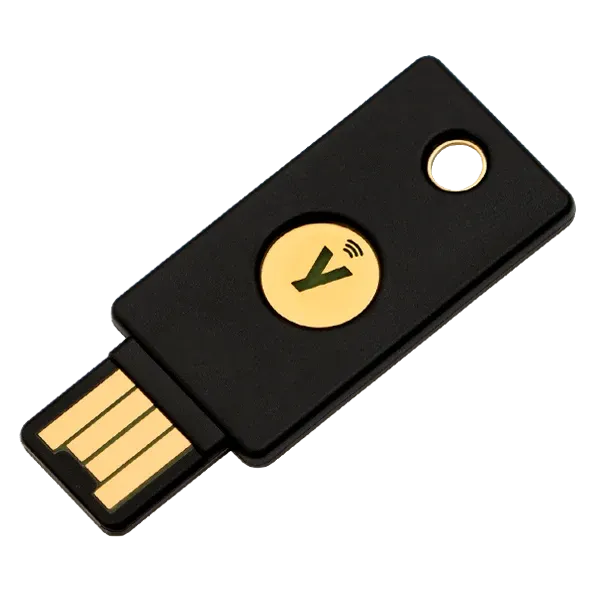
The world-standard touch key. Supports all form factors including NFC, USB-A, and USB-C with unmatched reliability.

iShield Key 2
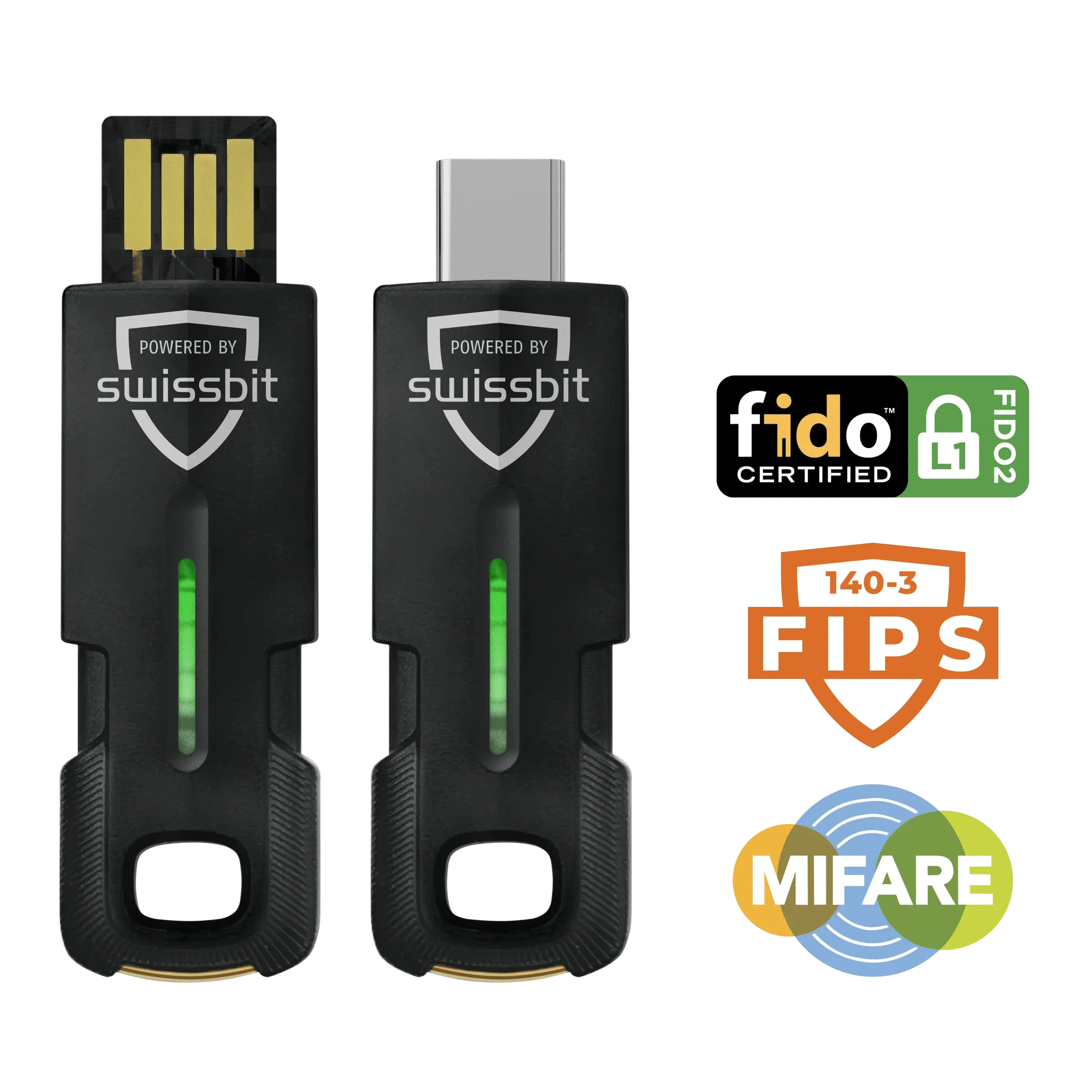
Swiss-made industrial-grade key. Supports USB-A/USB-C and NFC, with FIPS certification.

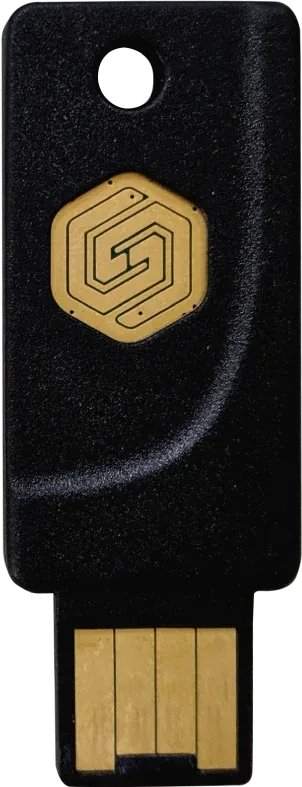
Idem Key
Features high-grade secure elements. Fully waterproof (IP68) with exceptional durability.

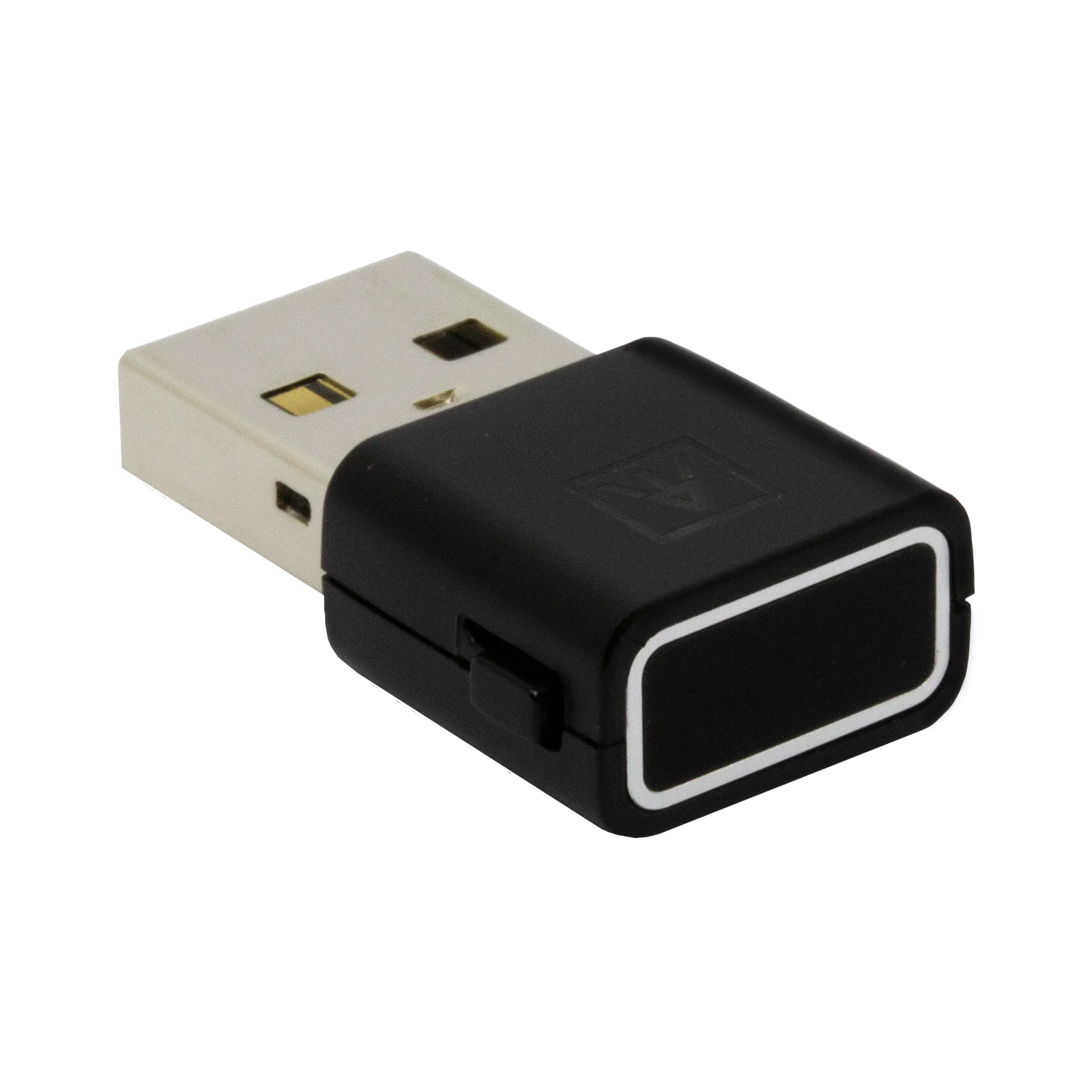
ATKey.Pro
Biometric key with instant fingerprint scanning. Complete passwordless logon safely with a simple touch.

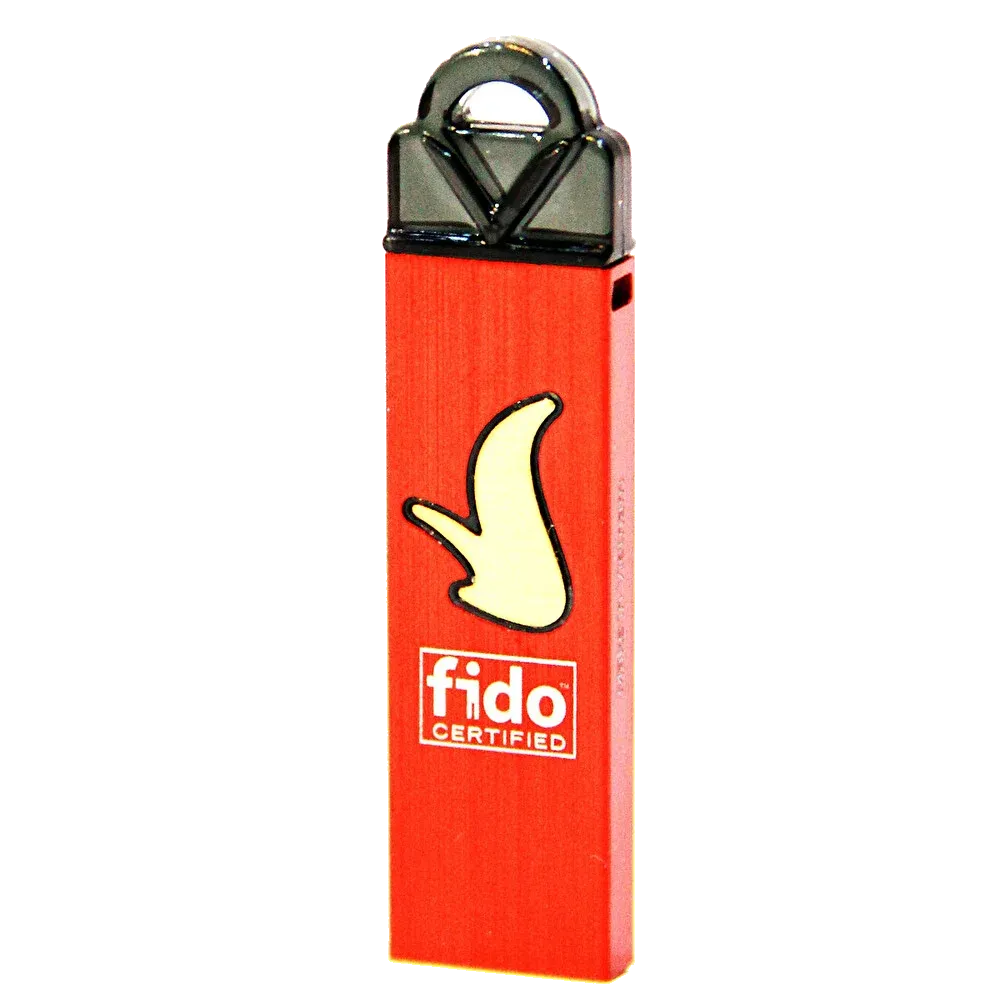
VinCSS FIDO2 Touch 1
Supports physical touch and biometric fingerprinting. High-quality key offering exceptional cost performance.
Looking to Compare Security Keys?
Compare features, specifications, and cost benefits across major authenticator brands.
How It Works
Get started today, smoothly and quickly
1
Register via web browser
Simply fill out the form in your web browser to complete registration. We'll send management console access details within 1 business day.
2
Install the client software
Install the client software on target PCs. No authentication server setup required.
3
Set up your passkey
Add users in the management console, then register a smartphone or security key as a passkey.
4
Log on with passkey
Once setup is complete, you can immediately log on to your Windows device with your passkey.
Pricing
Pricing
Recommended
FIDO Logon Plus
For production deployment
¥500device / month
¥5,000device / yearSave ¥1,000
| Feature | Free License Free | FIDO Logon Plus ¥500 |
|---|---|---|
| Max registered devices | 3 | Up to 19,000 |
| License period | 3 months | Monthly / Yearly renewal |
| Two-factor authentication | ||
| Unified management | ||
| Support | — |
For corporate customers
If you prefer invoice-based payment instead of credit card, please contact us.
About the number of licenses required
Please purchase one license per device. There is no limit on the number of users or security keys.
About security keys
- Check here for authenticators (security keys or smartphones) compatible with FIDO Logon.
- Security keys must be purchased separately. They are available on Amazon.
- * For bulk purchases or quotes, please contact us.
Specifications & Requirements
System Requirements
| Item | Details |
|---|---|
| Supported OS | Windows 10 (1903+) / Windows 11 / Windows Server 2016 and later |
| Authentication methods | FIDO2 / Passkey (smartphone) |
| Management | Cloud management console (browser-based) |
| Network | Internet connection required (for management console communication) |
| Active Directory | Supported (on-premise AD / Hybrid Azure AD Join) |
| Microsoft Entra ID | Supported (from January 2026) |
| Remote Desktop | Supported (from December 2024) |
| Supported YubiKey | YubiKey 5 Series (NFC/USB-A/USB-C variants) |
| FIPS compliance | Yes (FIPS 140-2) |
| Logs & audit | All authentication events recorded in cloud, exportable |
| Pricing | From ¥500/account/month (3-month free trial available) |
Case Studies
FIDO Logon Case Studies
Try it free for 3 months
Start transforming your authentication today.