
What are passkeys (FIDO)?
A passkey is what replaces your password
A passkey is a sign-in credential you use instead of a password. You verify who you are the same way you unlock your phone or laptop — with your fingerprint, face or PIN — and you are signed in. There is no secret for you to remember or type. Services worldwide, including Apple, Google and Microsoft, are adopting them.
Passkey, FIDO, WebAuthn — how they relate
All three describe the same technology from different angles. As a user, "passkey" is the only word you need.
- Passkey
- The umbrella term for this new way of signing in — and also the credential itself, the thing that takes the place of your password.
- FIDO"fee-doh"
- The name of the technical standard that makes passkeys work. "FIDO2" means much the same thing.
- WebAuthn"web auth-n"
- The specification that lets web browsers use FIDO. It is mainly a word for the people who build services.
"Signing in with a passkey" and "signing in with FIDO / WebAuthn" amount to much the same thing. Only the name changed — there is nothing here for you to choose between.
The FIDO standards are developed and promoted by the industry association FIDO Alliance.
Why passkeys are both safer and easier
Compared with passwords, passkeys are reported to raise sign-in success rates by up to 20% and cut sign-in times by up to 75%.
Source: Passkey Central (FIDO Alliance)A fake site can't be signed into at all
Before a passkey is used, your device automatically checks that the site really is the one it was registered with. Land on a perfect look-alike and the sign-in simply does not go through — there is no moment where you could type it in by mistake.
Nothing secret is registered with the service
Your fingerprint, your face and your PIN are never registered with the service. All it receives is a public key, used to verify that your identity check passed — and, as the name says, safe to be public.
No secret to know, none to type
The secret behind your passkey stays protected — no person ever needs to know it, and no one ever needs to type it in.
Signing in is quick
A fingerprint, your face, a PIN or a tap, and you are in — with no long string to remember and nothing to get rejected for mistyping.
What signing in looks like
Register a passkey with the service
You do this once, and two keys are created as a pair. One is the private key — yours alone, used to sign proof that your identity check really took place (where it is kept is covered in the next section). The other is the public key, handed to the service to verify that signature and, as the name says, safe to be public.
Confirm it is you
To sign in, you do exactly what you already do to unlock your device. Once you have confirmed, your private key signs the result and that signature goes to the service. It is good for that one sign-in only and cannot be replayed later.
You are signed in
The service checks the signature against the public key it was given at registration, confirming your identity check was genuine. Only verification data crosses the network — never a secret. Even if that traffic were intercepted, it could not be altered or reused for another sign-in.
There are two kinds of passkey
The only difference is where the key is kept. Both are passkeys, signing in feels the same, and the security behind them is the same. Pick whichever fits the situation.
Usable from any of your devices
Kept safely and encrypted in your Apple, Google or Microsoft account — or in a password manager — and carried across the devices you use. Replace your phone and your passkeys come with you, with nothing to register again. This ease is exactly why passkeys reached so many people.
- No extra hardware to buy
- The same passkey works on your phone, PC and tablet
- Nothing to re-register when you upgrade or replace a device
- Suits personal use and the web services you use every day
Self-contained in a single key
The key is created inside a device such as a security key and stays there. Nothing is deposited anywhere, nothing is synced anywhere, so there is exactly one place to look after. Where a higher degree of certainty is called for, this is the option that gets chosen.
- The key never leaves the device
- Works on shared PCs and where personal devices are not allowed
- Suits business use and your most important accounts
This is not an either-or. Synced passkeys for everyday sign-ins and a security key for work and your most important accounts is a natural combination.
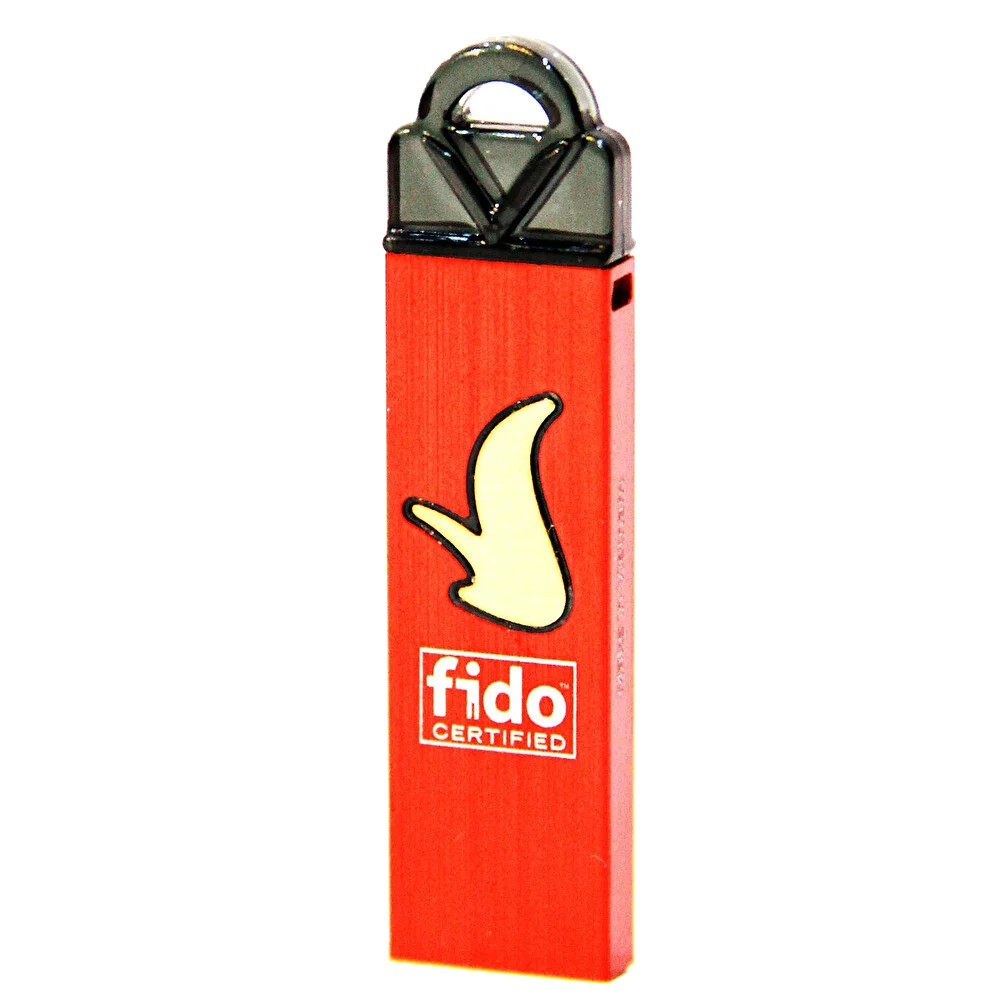
What is a security key?
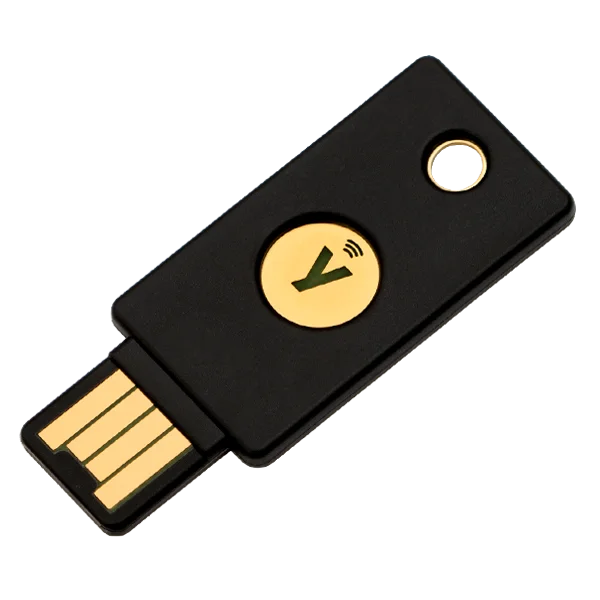
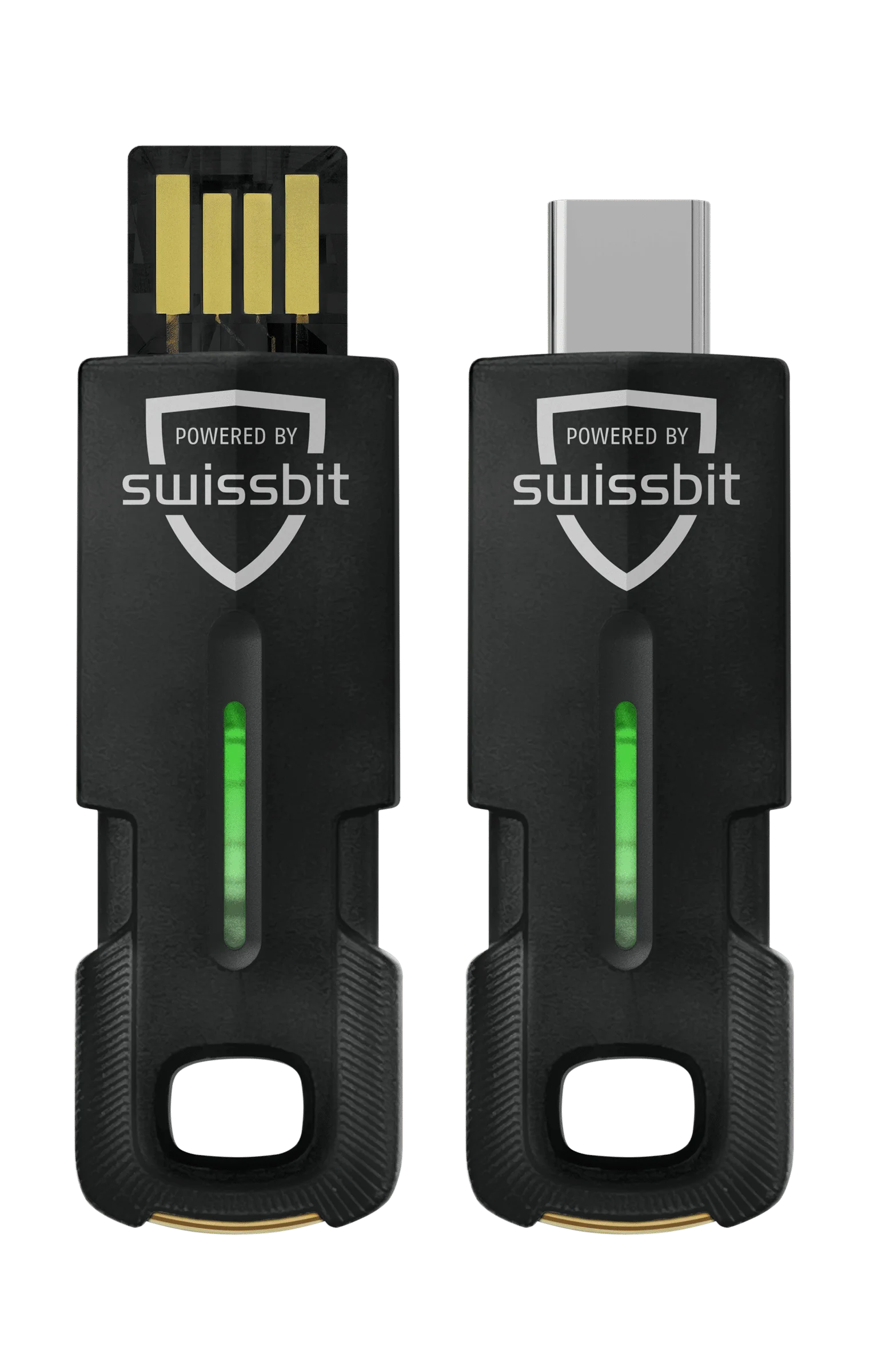
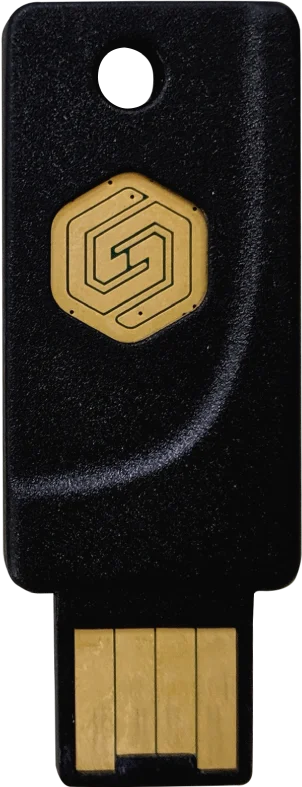
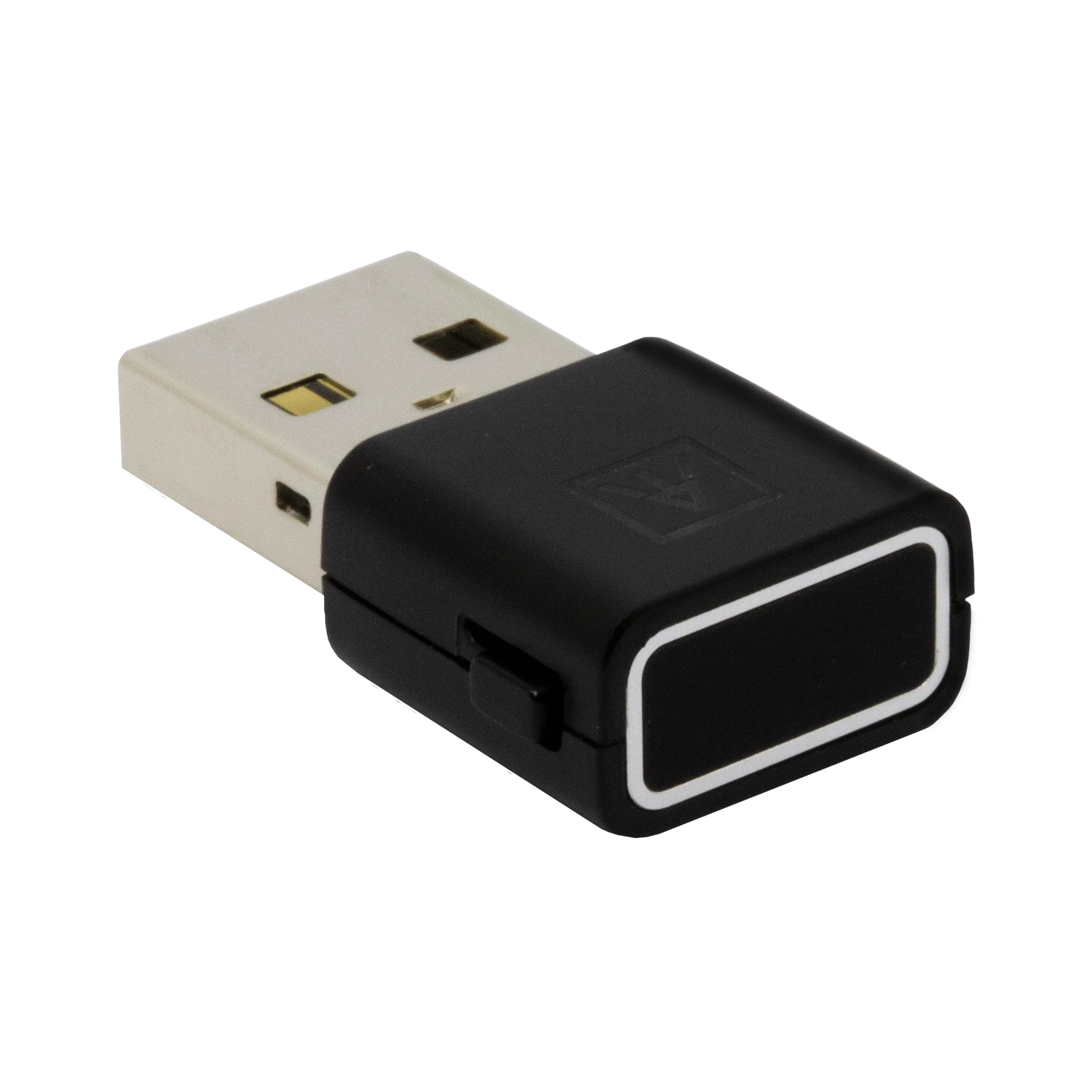
A security key is a small dedicated device that holds device-bound passkeys. With a USB connector, NFC and — on some models — a fingerprint sensor, you plug it in or tap it to confirm your identity. It does not depend on the make or model of your phone or PC: one key works from any of them. YubiOn carries several brands to suit different needs.
A security key needs a PIN to be set up first. On models with a fingerprint sensor you also enroll your fingerprint. See the guides below for the steps.
Passkeys work for signing in to your PC too
Passkeys are not just for web services. YubiOn can bring multi-factor, passkey-based sign-in to Windows as well — with two products to match your network environment.
Supported browsers & operating systems
Passkeys work on Windows, macOS, iOS, iPadOS, Android and ChromeOS, and in all major browsers. For up-to-date support by service and device, see the site below.
Check device support (passkeys.dev)Ready to start using passkeys?
YubiOn provides passkey-ready security keys together with products that make PC sign-in passwordless — all in one place. Feel free to ask us how to choose.