
Mac-native Standalone Authentication
YubiOn MacLogin
Standalone
Achieve MFA login for Mac endpoints with YubiKey.
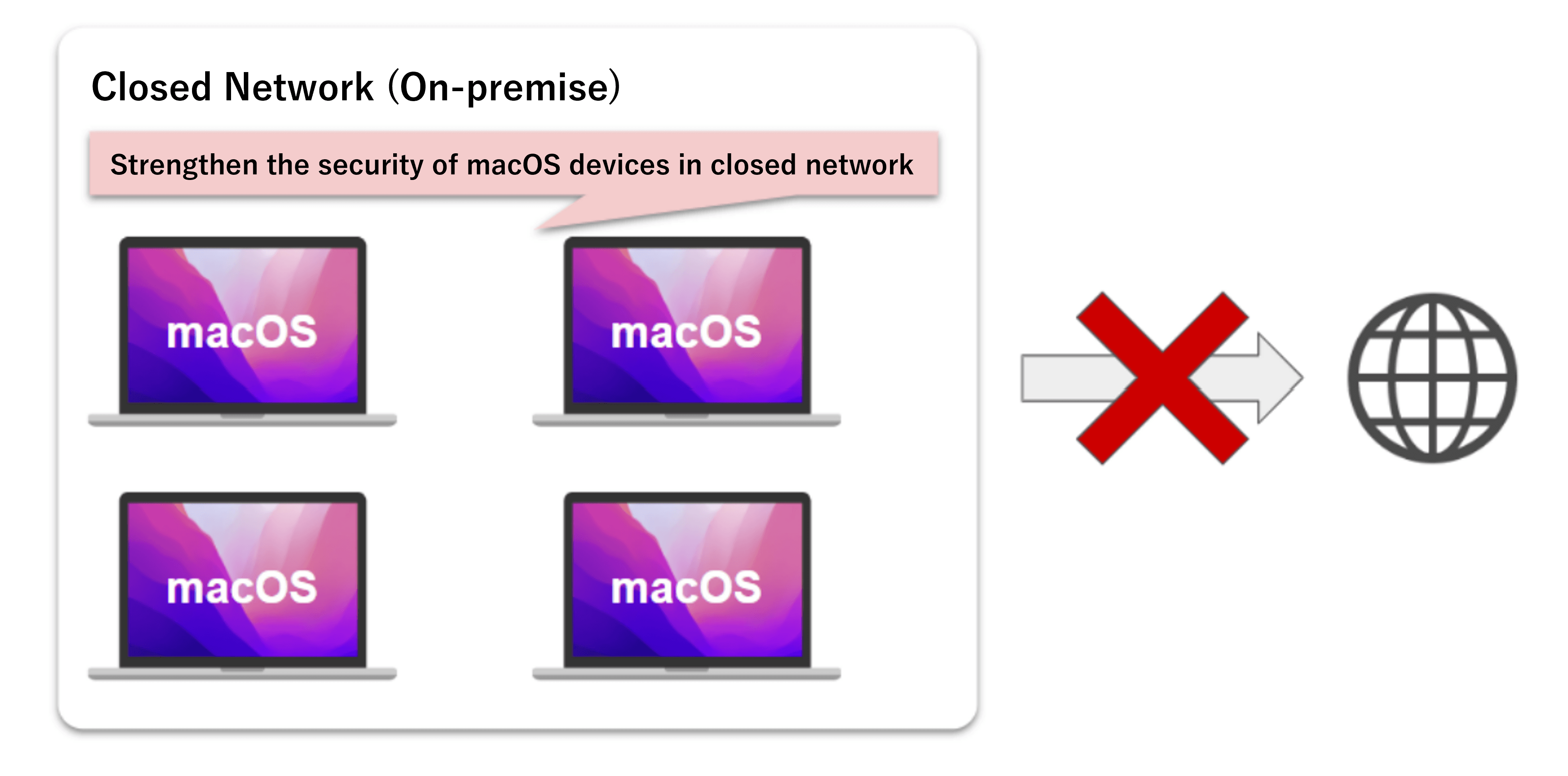
Air-gapped support · No authentication server required
Supports latest 3 macOS YubiKey authentication No internet required No auth server required
Key Features
MacLogin Standalone features
Simple setup
No expertise needed. Intuitive GUI-based configuration. Easy to deploy even without dedicated IT staff.
Simple standalone setup
One-time purchase with no server required. Zero dependency on external services — setup completes entirely on your Mac.
Effortless for end users
No special actions needed from users. Authentication completes simply by connecting YubiKey to the Mac.
Tangible device management
Manage security the way you manage physical keys. Making security visible prevents operational gaps and keeps your team accountable.
How it works
Securing your Mac with YubiKey
Multi-factor authentication with a physical key delivers robust macOS login security beyond passwords alone.
Start your Mac
Login screen appears
›
Insert YubiKey
Connect via USB-A / USB-C
›
Authenticate
Authenticate with password and YubiKey
›
Login complete
Securely access your desktop
By combining a password with YubiKey physical authentication, your Mac is protected by two shields — something you know and a physical key. Without the YubiKey, login is impossible, significantly reducing the risk of unauthorized access.
Use cases
Built for these environments
Mac-centric offices
Account protection for companies where all employees use Macs. Low barriers to deployment with no AD or cloud required, minimizing the IT burden.
Dev teams & startups
Protect valuable source code and customer data concentrated on engineer Macs. YubiKey authentication prevents unauthorized access to development environments.
Internet-restricted environments
Fully operational even where cloud communication is restricted. Standalone design stays compliant with internal security policies.
Deployment steps
Start using on day one
- 1
Get your license file and installer
Contact us and place an order for the number of YubiKeys you need. We will send you a license file and installer matching your ordered quantity.
- 2
Install the YubiOn client software
Download the YubiOn client software from the download page we provide, and install it on your device. When launching the configuration tool, load your license file to complete the initial setup.
- 3
Assign accounts and YubiKeys in the configuration tool
Launch the configuration tool and assign a YubiKey to each account. Once assignments are complete, enable two-factor authentication in YubiOn settings.
- 4
Setup complete
Your setup is now complete. Next time you log in, simply connect your YubiKey to sign in to your Mac.
Specifications
System Requirements
| Item | Details |
|---|---|
| Supported macOS | Supports the latest 3 macOS versions |
| Authentication | YubiKey Challenge Response authentication |
| Supported YubiKey | YubiKey 5 Series (USB-A / USB-C) |
| Network | Standalone operation (no internet required) |
| Management server | Not required (local configuration tool only) |
| Memory | 4GB or more |
| Storage | 100MB or more of available space |
| Pricing | Quote required (by YubiKey count) |
| Support | Deployment and technical support (optional contract) |
Release Notes
Update History
FAQ
FAQ
DOCUMENTS
Document Downloads
Strengthen Mac security with YubiKey
The standalone design means you can start right away. Contact us to get started.